Looking for help with frame stuttering on new PC

Got a new PC with an AMD Ryzen 9 7900X and an RX 9070 XT, Windows 11 latest version.
I have DBD set for 90 FPS, vsynced. Quite often I get 5-10 frame stutters where nothing moves. It's messing up my ability to do skill checks. 😄
Just wondering if anyone here has any advice beyond the usual "update windows, update drivers, restart the computer" type stuff, as I've already been through them. :)
Comments
-
I take it you did a fresh install of DbD on your new PC? Otherwise, clearing your DirectX shader cache may be of help.
DbD these days does attempt to build much of the shader cache on first launch, but in the first few sessions there can still be some freezes here and there when new shaders are loaded and cached mid-trial. So the issue could simply rectify itself as you play more and the shader cache has all the pertinent files.
Other than that, using VSync is generally not advisable, as it considerably increases input latency. If you cannot bear having screen tearing, consider some of the following: use FreeSync instead; use your graphics card's VSync implementation instead of DbD's; play the game in windowed mode where Windows will do low-latency syncing instead (windowed fullscreen unfortunately still has tearing on Windows 11 since it is treated as a fullscreen app); limit your framerate just below your monitor's refresh rate to decrease the VSync-induced input lag - since DbD only offers a few framerate presets, you'll likely have to use your GPU settings for this.
I will say that tearing is really not very noticeable at high framerates. The objectively best way to set up DbD for both performance and latency is using fullscreen mode, 120fps, and VSync off. Give this a try if you haven't already.
1 -
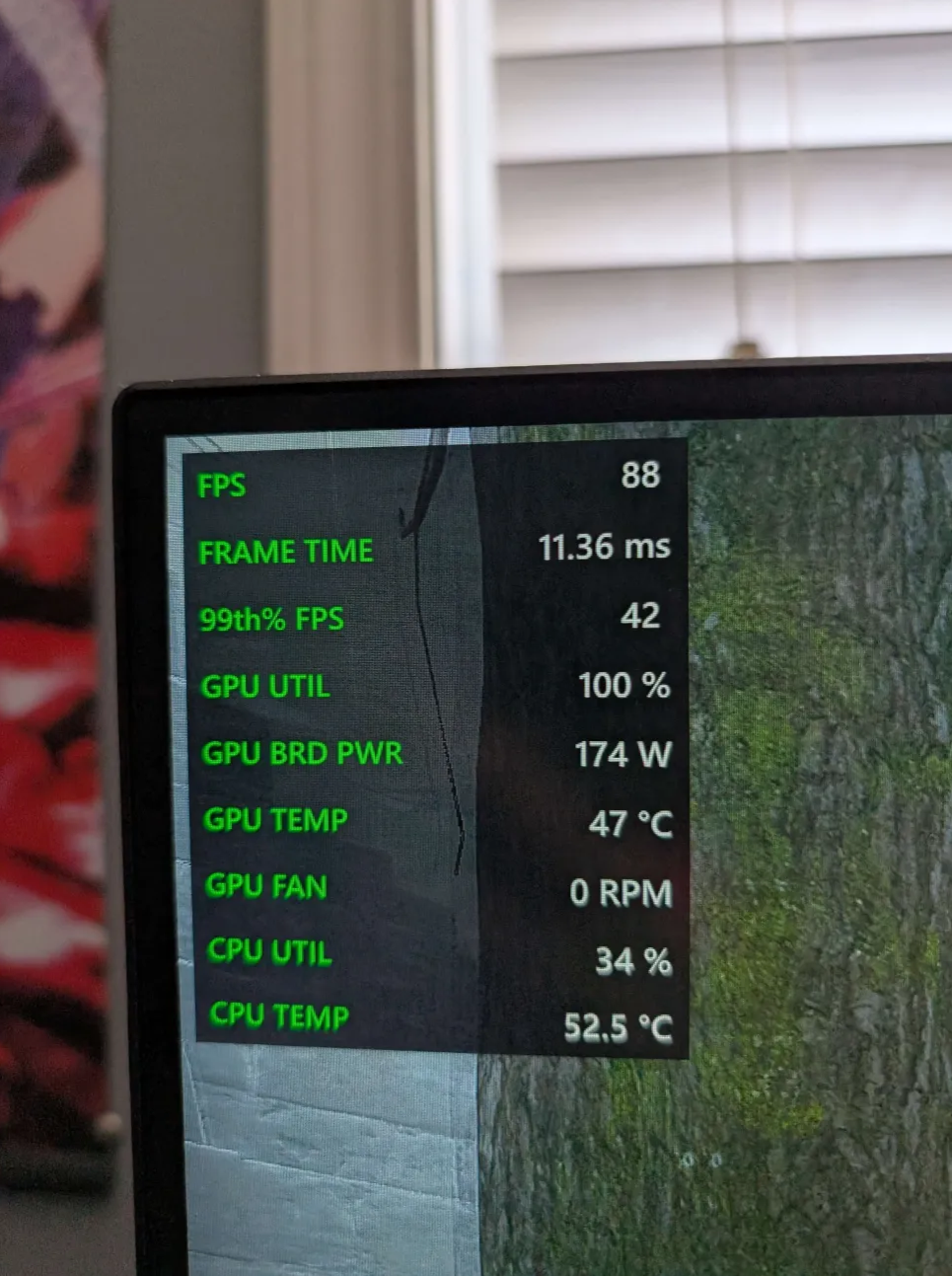
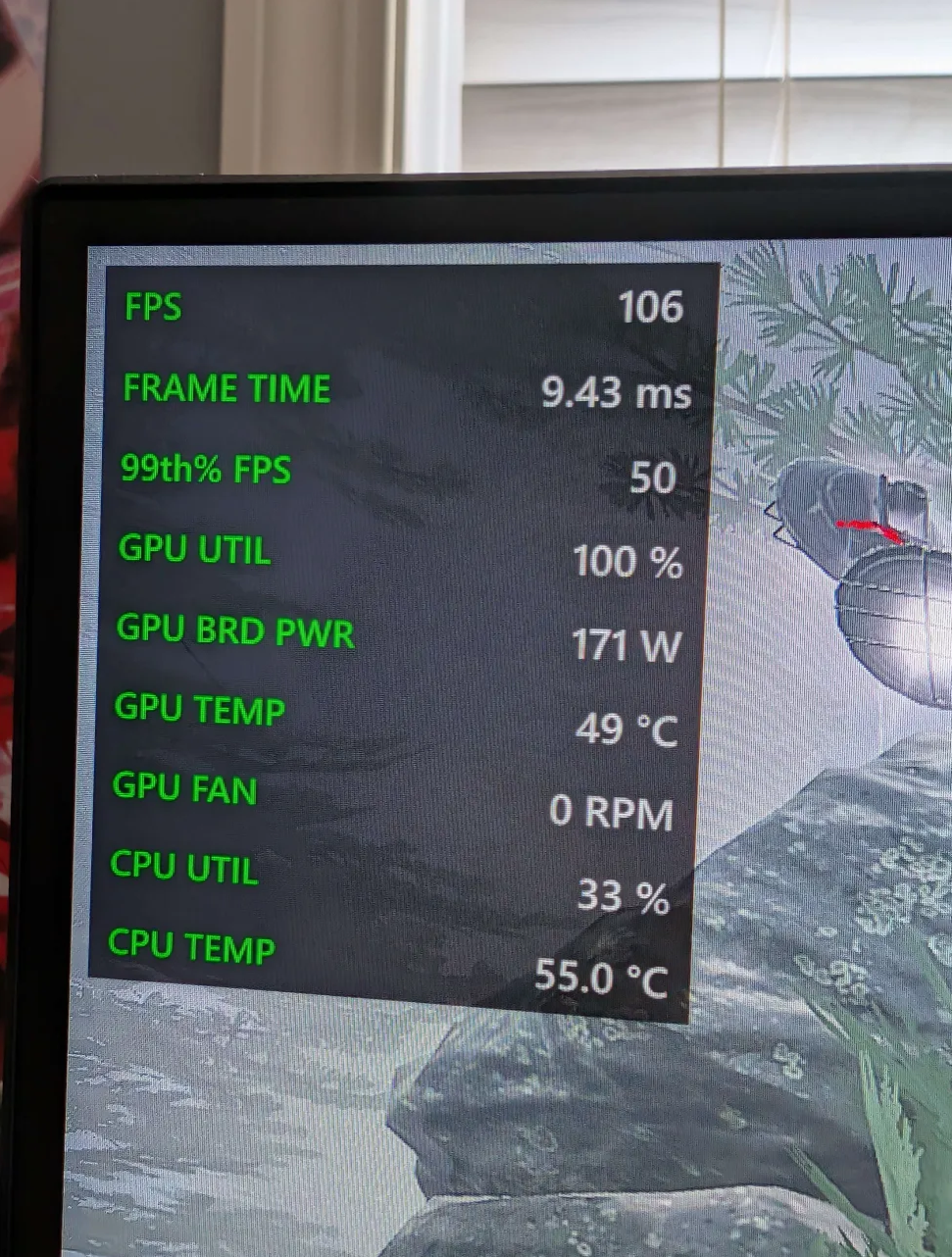
I have a 9070 XT as well. I notice it has much higher usage for same settings and fps target as my 3070 did, but my 3070 had less usage. 7900 XT also performs much better at 4k than 9070 XT and it's a slightly weaker card. So I've reported this to AMD. Just in case you noticed this as well…
As for stutter, I only notice it in online matches. If I do the tutorial survive with bots, I can run around for a few minutes and never notice any stutter. As soon as I go into online, I get a couple quick stutters every thirty seconds or so. Since it's only happening in online matches, it's leading me to believe it's an issue with the netcode. I also remember back when I had a 1070 it had microstutters every now and then with the game too, though I can't remember how frequent they were. Most of my time playing DbD while I had a 3070 was done right off my Deck, and that had stutter too. So this isn't a 9070 XT exclusive issue.
1 -
Thanks, I'll take a look at these. :)
0 -
Please and thank you, because the game is pretty much unplayable on my new computer.
 0
0