http://dbd.game/killswitch
PC: How do I disable anti aliasing?

Playing on low and medium.
Two patches ago, they introduced a different setting for AA into the game. But its way too aggressive, and things look like playdough now. hehe
Comments
-
They basically forced everyone into using Ultra anti aliasing. Aren't they using TXAA? I hope not.
0 -
Add these to your engine.ini file and you should be able to get rid of it
[/Script/Engine.RendererOverrideSettings]
r.DefaultFeature.AntiAliasing=0
0 -
ok thank you for replying. this isn't in my game folder I assume?
0 -
It's a bit hidden. If I call correctly you need to press win+r and type %appdata% and from there go one directly back into the "local" folder. There should be a deadbydaylight folder, from there just follow the track till you find the engine.ini file
0 -
I hope this is okay to explain...
But you can find the appropriate file under AppData/Local/DeadByDaylight/Saved/Config/WindowsNoEditor. Then you need to edit the engine.ini by adding the information dfrenchiee posted.
FWIW, this was a miracle for me because my game was just about unplayable two patches ago too. Until I did this.
0 -
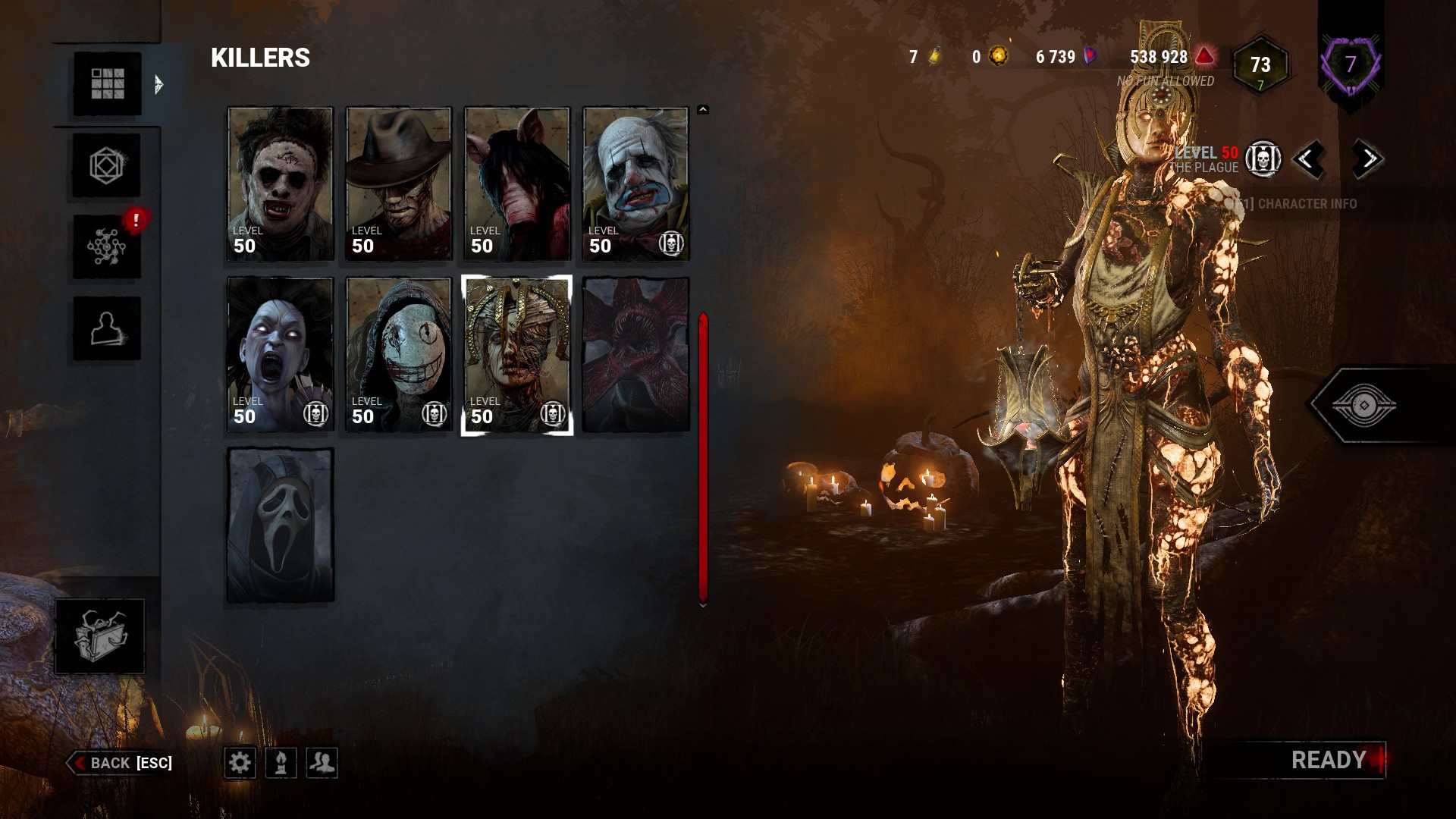
yay it works! game looks playable now
What does resolution do again?
0 -
Resolution is basically sharpness of the pixels if I try to explain it casually.
0