why is the game so blurry on anything below ultra

i normally play on ultra, but apparently new haddonfield destroys my frames if i play it on that setting, so i switched to low and good lord i cannot see a thing
how do i fix this? this makes some maps barely playable, i'm stuck between 10 fps and barely being able to see anything.
Comments
-
Anti aliasing right?
3 -
Some people on the forum say that the ini file has been made unchangeable client side and the deactivated Antialiasing is on again and can't be turned off.
According to others here, this leads to some blurryness at lower graphic settings.
0 -
forced anti aliasing
thank god for nvidia filters because it lets me artificially sharpen everything to counter it
2 -
Because uh forcing anti aliasing without giving an option to turn it off. Still crazy how a game from 2016 doesnt have QoL options when they've been asked for, for years.
6 -
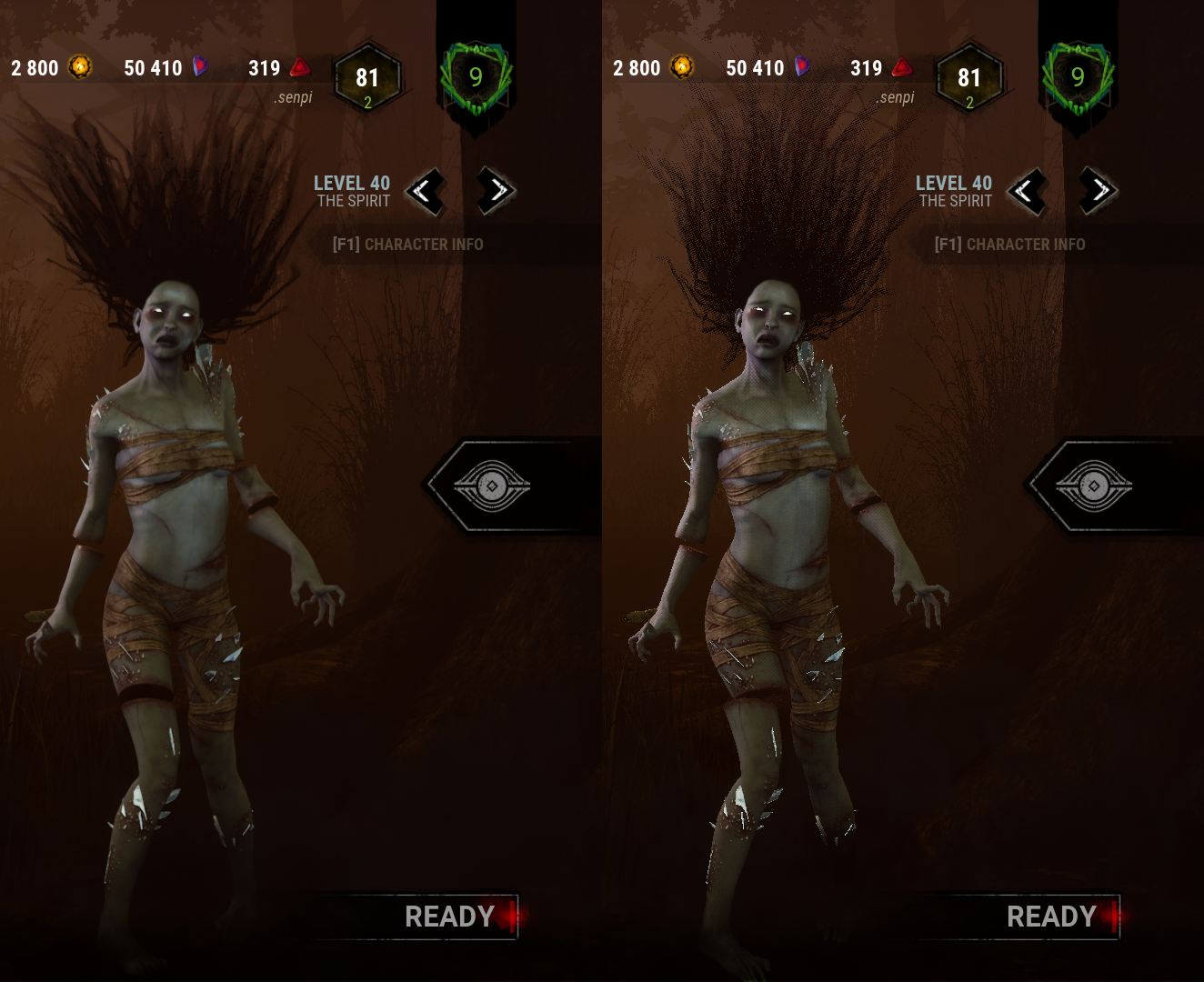
It's not even a real anti aliasing since that would cause a significant performance hit. It's just a washed/blurr effect to hide imperfections (and still for some reasons causes a performance hit).
 2
2 -
My first guess would be the TAA which is now forced on. However, the problem could also be that lowering the graphics preset also caused the Resolution Scale setting to reduce.
Check that Resolution Scale is set to 100.
2 -
This. Anything below ultra lowers resolution scale. You need to raise it manually.
1 -
Already tried manually setting the resolution in the GameUserSettings.ini.
[ScalabilityGroups]
sg.ResolutionQuality=100.000000
[/Script/DeadByDaylight.DBDGameUserSettings]
ScreenResolution=100
ResolutionSizeX=1600
ResolutionSizeY=900
LastUserConfirmedResolutionSizeX=1600
LastUserConfirmedResolutionSizeY=900
DesiredScreenWidth=1600
DesiredScreenHeight=900
LastUserConfirmedDesiredScreenWidth=1600
LastUserConfirmedDesiredScreenHeight=900
0 -
As of patch 5.7.1 my ini started working again without any changes being necessary. I use the GarbageCollectionSettings line.
Not sure if BHVR listened to us or all of this was accidents. The AA enabling was an accident or disabling it again is. Either way, we are free from AA once more.
0