CPU 100%

Today I found that I couldn't play decently due to drops while at 5 fps, so I assumed it was drivers, however the problem continued, I decided to try halo infinite and everything correctly, so I concluded that it was a dbd problem, I reinstalled it and the problem continued, so here is my question if anyone has this problem, could they solve it?
My PC
Ryzen 7 5800h
rtx 3060 laptop
16gb ram
ssd 512
Comments
-
Are your clock speeds high? I would use cpu-z and stress test the cpu and see what it is doing. You might also have an issue where you are in performance mode, it is a laptop, for dbd and the clock speeds are really low. That cpu shouldn't be close to sitting at 100% so there is something that needs changing.
0 -
I already checked everything and it's fine, in fact it doesn't happen to me with other games, it's only with dead by daylight
0 -
DBD isn't optimized very well, but you could try to un-install and then re-install it.
0 -
You definitely shouldn't be pegged out at 100% from DbD on those specs. What does your list of running processes look like when you're playing? Is it DbD eating up the CPU resources or something else? Check performance monitor.
0 -
i can confirm that DBD causes my CPU to also spike to 100%. now given, i run a ryzen 5, i do not run into these issues with a lot of triple A titles! though i end up running into it commonly with DBD. i think the game is really due for an optimization pass :(
1 -
Could potentially be a issue with your storage, i used to have similar issues until i added another SSD to my PC.
0 -
In fact, reinstall Windows recentlyI already did and it's still the same
0 -
In fact, reinstall Windows recentlyI already did and it's still the same
0 -
I already checked it and everything was fine even check the charger for the power and everything was fine
0 -
It only happens to me with dbd, well, I already checked with halo infinite and league of legends and everything is fine
0 -
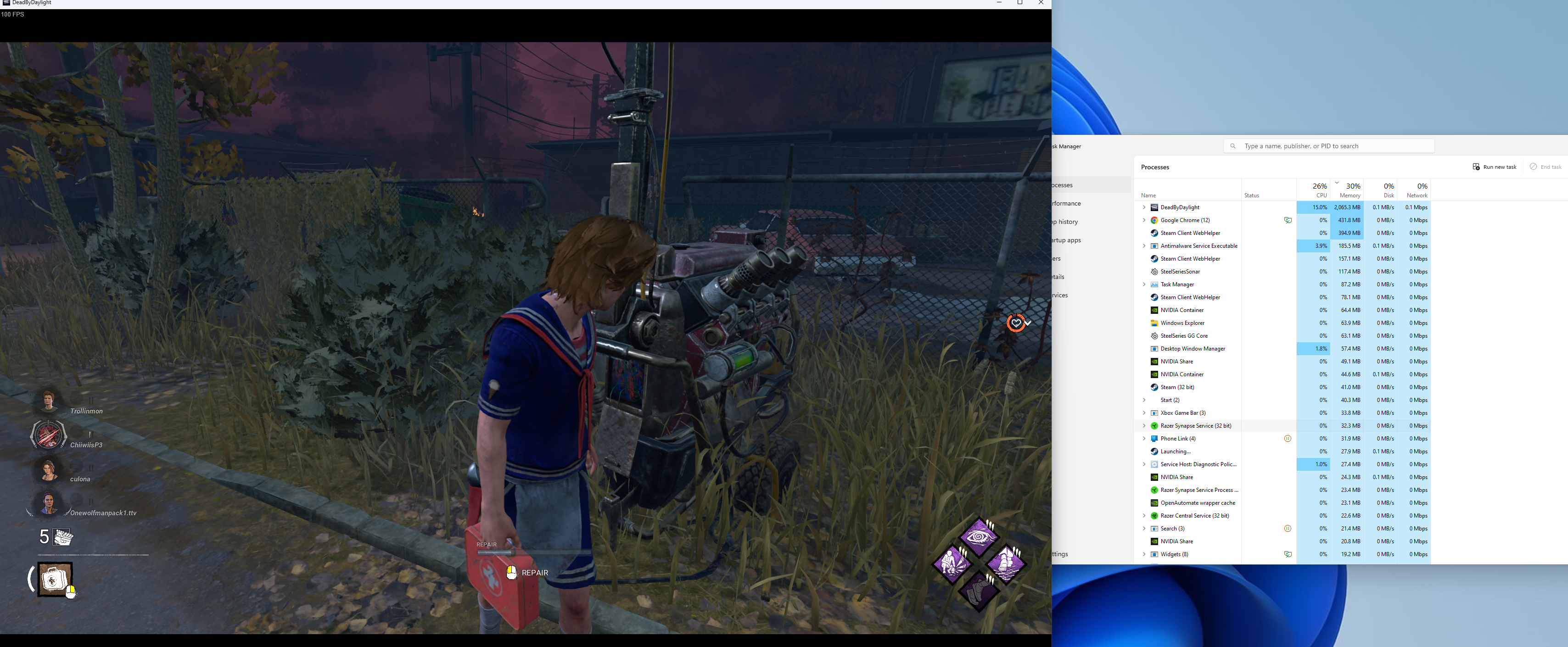
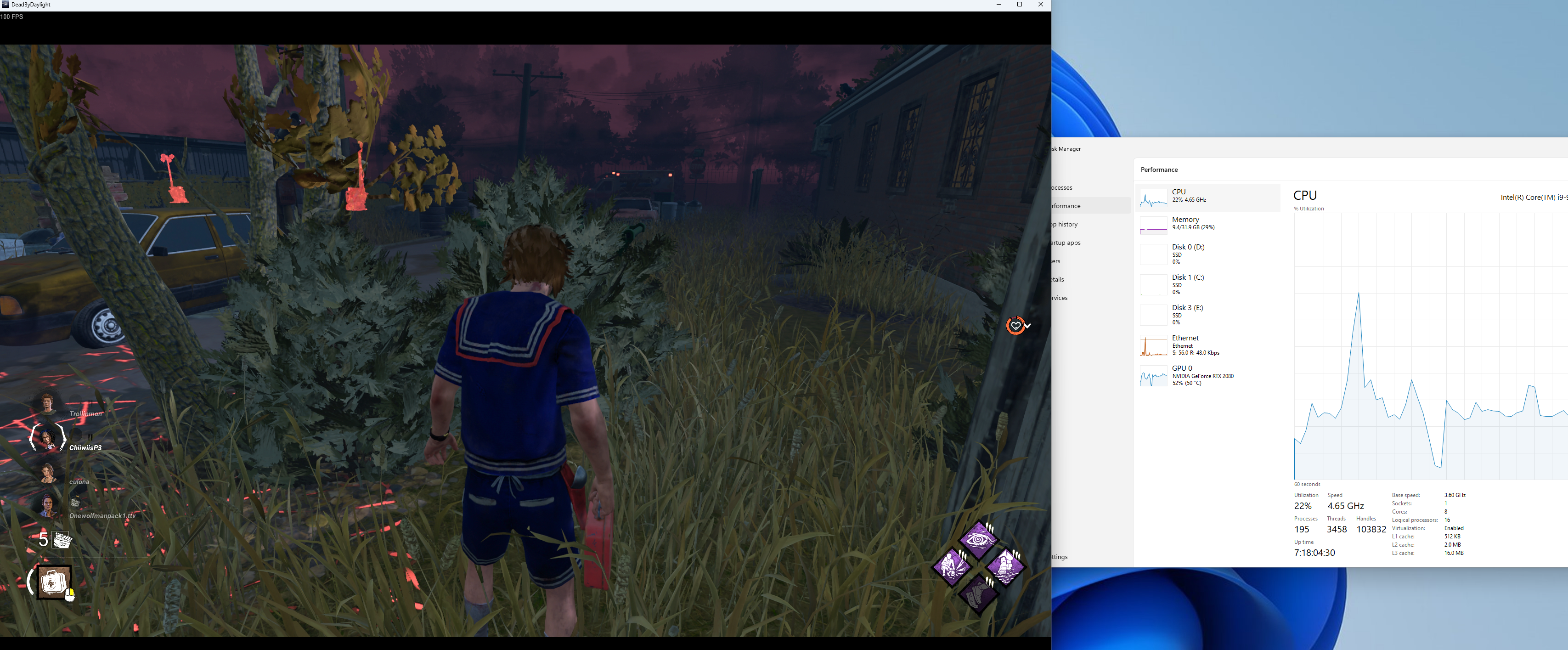
Can you please open dbd and make the game run in windowed mode. Bring up your task manager and replicate these screenshots by pressing the win key+shift+s.
 0
0 -
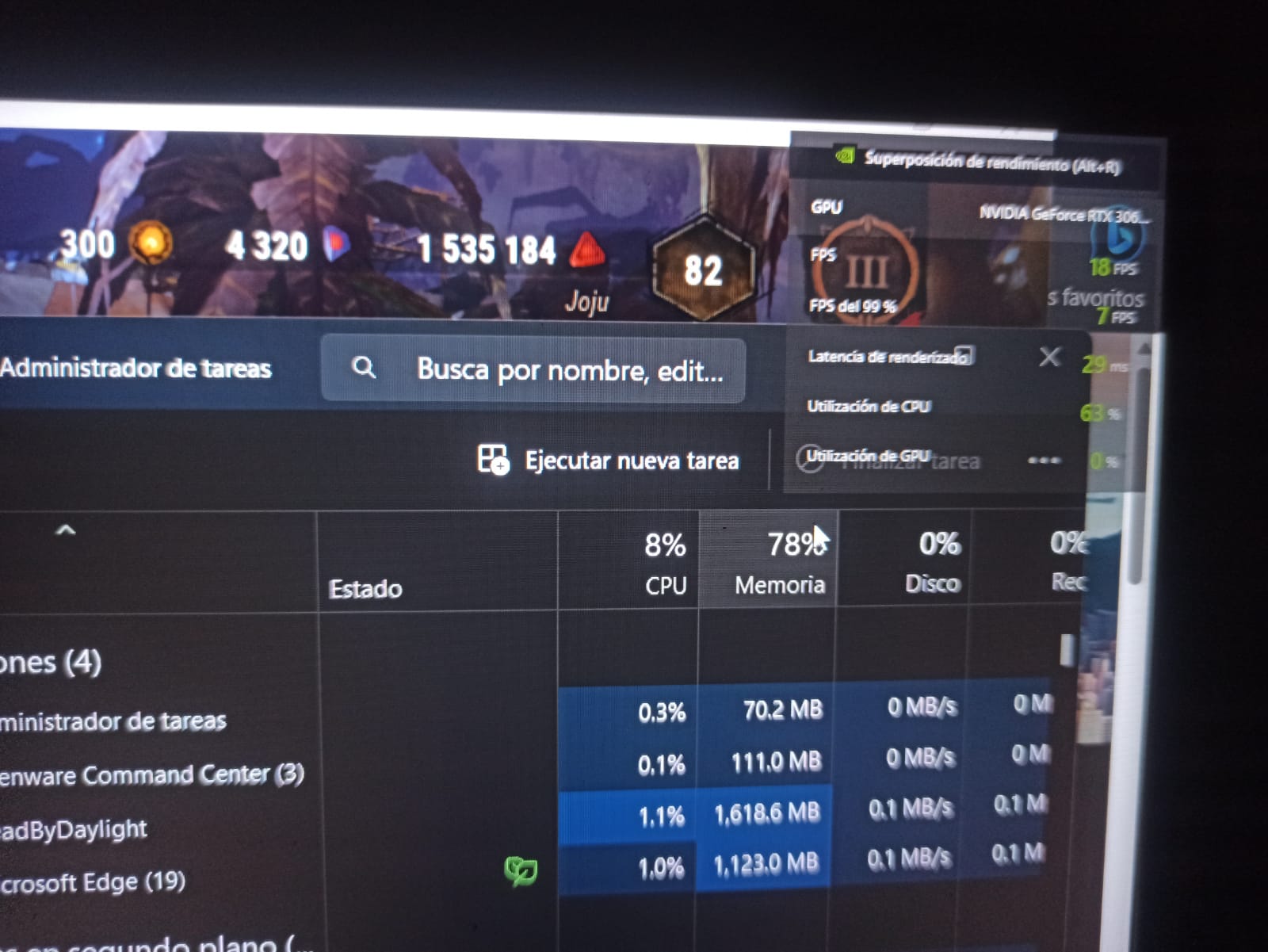
Hello I tried to recreate it but I could not because I only have the screen of my laptop not with a separate external to have the 2 windows, however I discovered something, I was guiding myself on the cpu with the nvidia geforce experience and I just realized that the task manager does not mark me the same percentage of the cpu in the geforce experience, but I don't know what that can mean.
0 -
0
-
 0
0 -
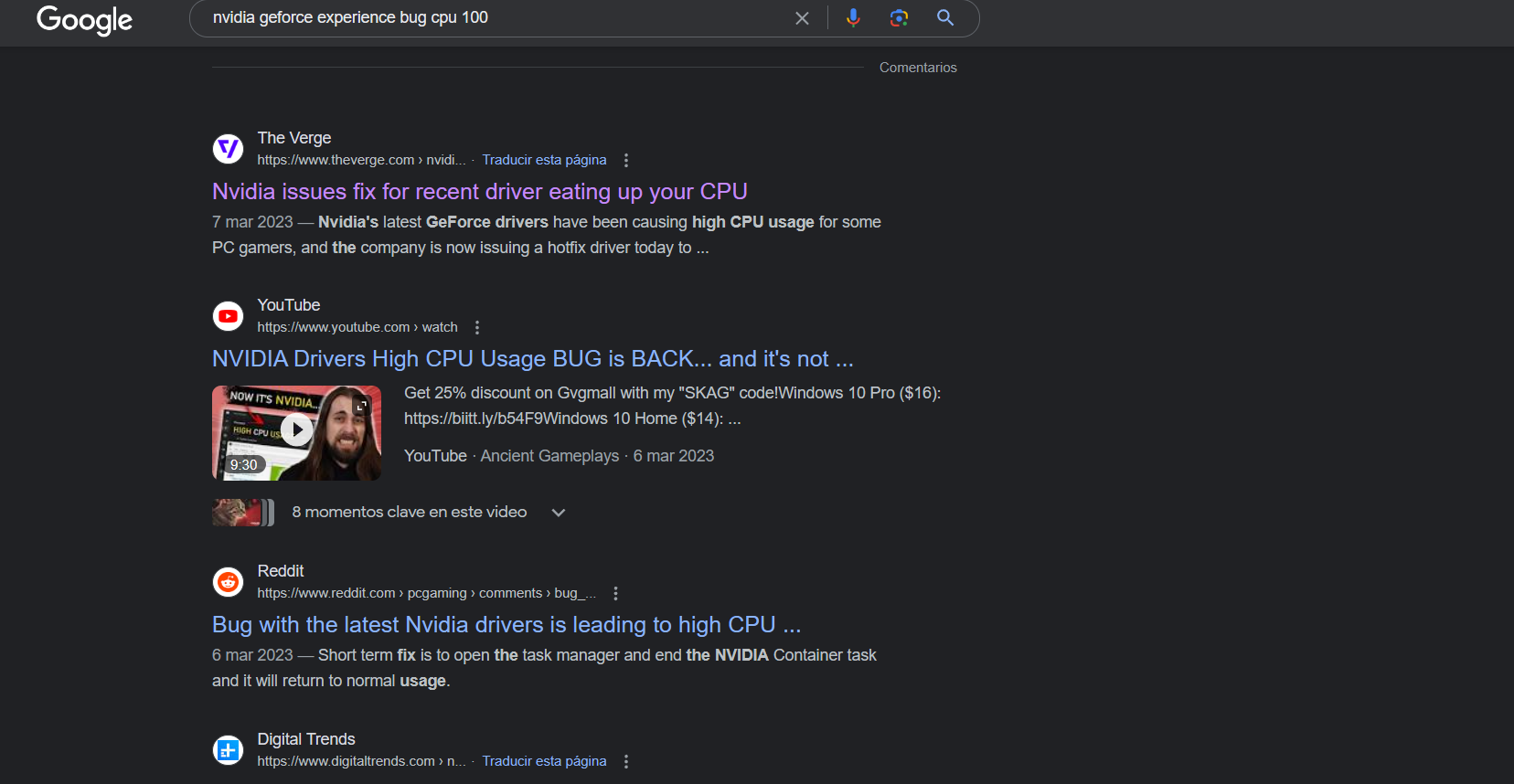
I found this, do you think that could be it?
0 -
Yea I think it might be ram and that might be causing you to get stutters. If you haven't the first thing I would do is either going to a newer or older driver for your gpu depending on what version you are currently at.
I would read this article to get a better understanding of compression since you are heavy into that with 80% of your ram being used.
https://www.howtogeek.com/319933/what-is-memory-compression-in-windows-10/
0 -
It was not that in the end I discovered that it was the optimus that was bugged, I deactivated it using only the rtx 3060
0