Once you have signed in, on the right hand side you can use the "report bug" button to be able to fully report the bug you've encountered. Thank you.
http://dbd.game/killswitch
Memory leak in Dead By Daylight?

I’ve seen other users on the forum mention a major FPS bug in the recent patch. On my laptop (Ryzen 7 4800H, RTX 3050 Ti, 16 GB RAM), I used to get around 80–90 FPS. Since reinstalling Windows yesterday, I start with 90 FPS when launching the game, but after 3–4 minutes, my FPS drops steadily—down to 70, then 65, 60, and eventually 40.
I tested other games and had no issues.
Here’s a related post:
Comments
-
I have the same problem with the 9.1.0 update. In the lobby, I have 120 fps at the beginning of the game, but it drops to 90-70 fps and then to 30-40 fps. I don't know what to do, but I hope they will notice and fix it.
1 -
i have the same problem, like Rich. I do'nt know what to do… :/
1 -
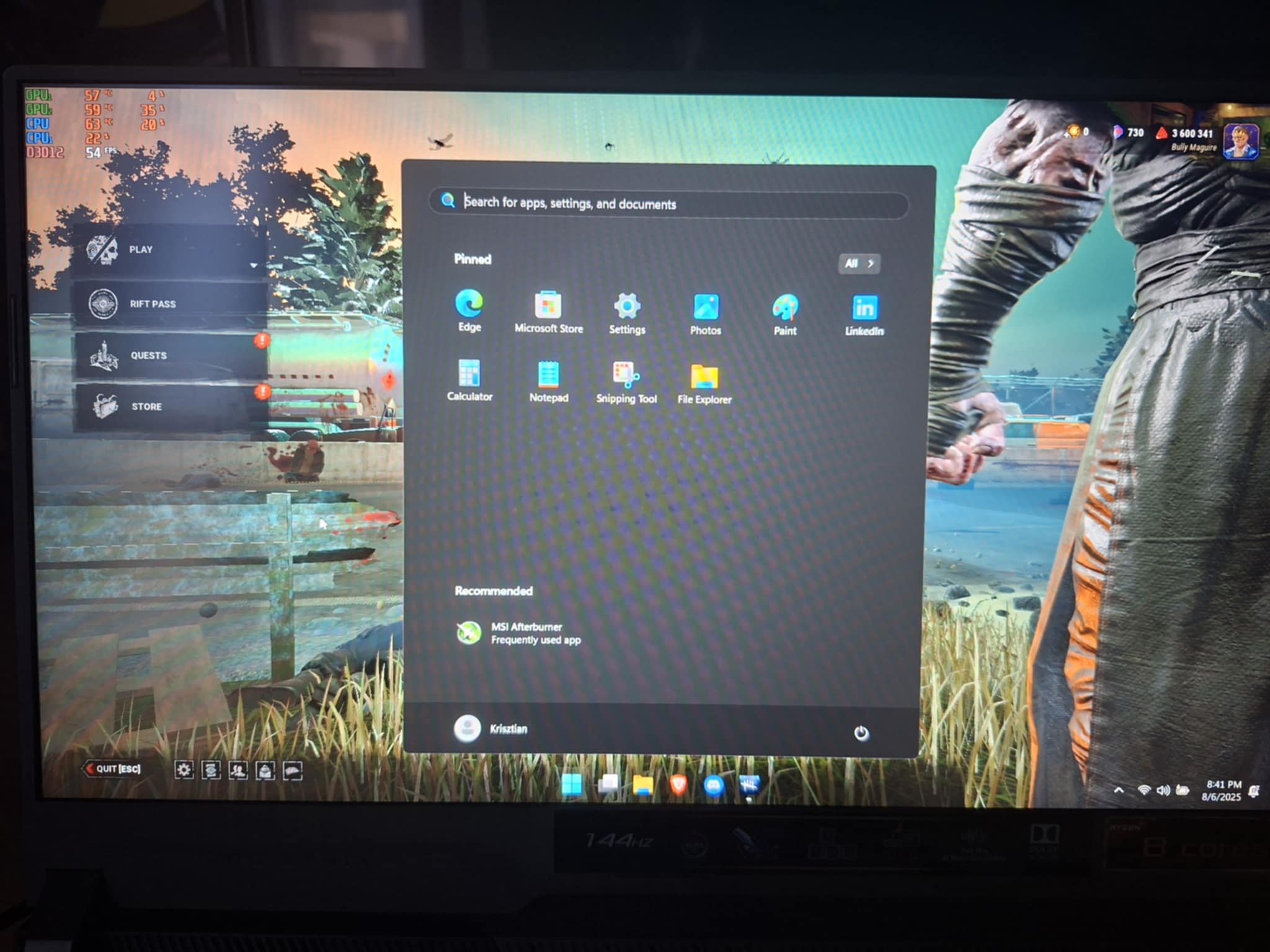
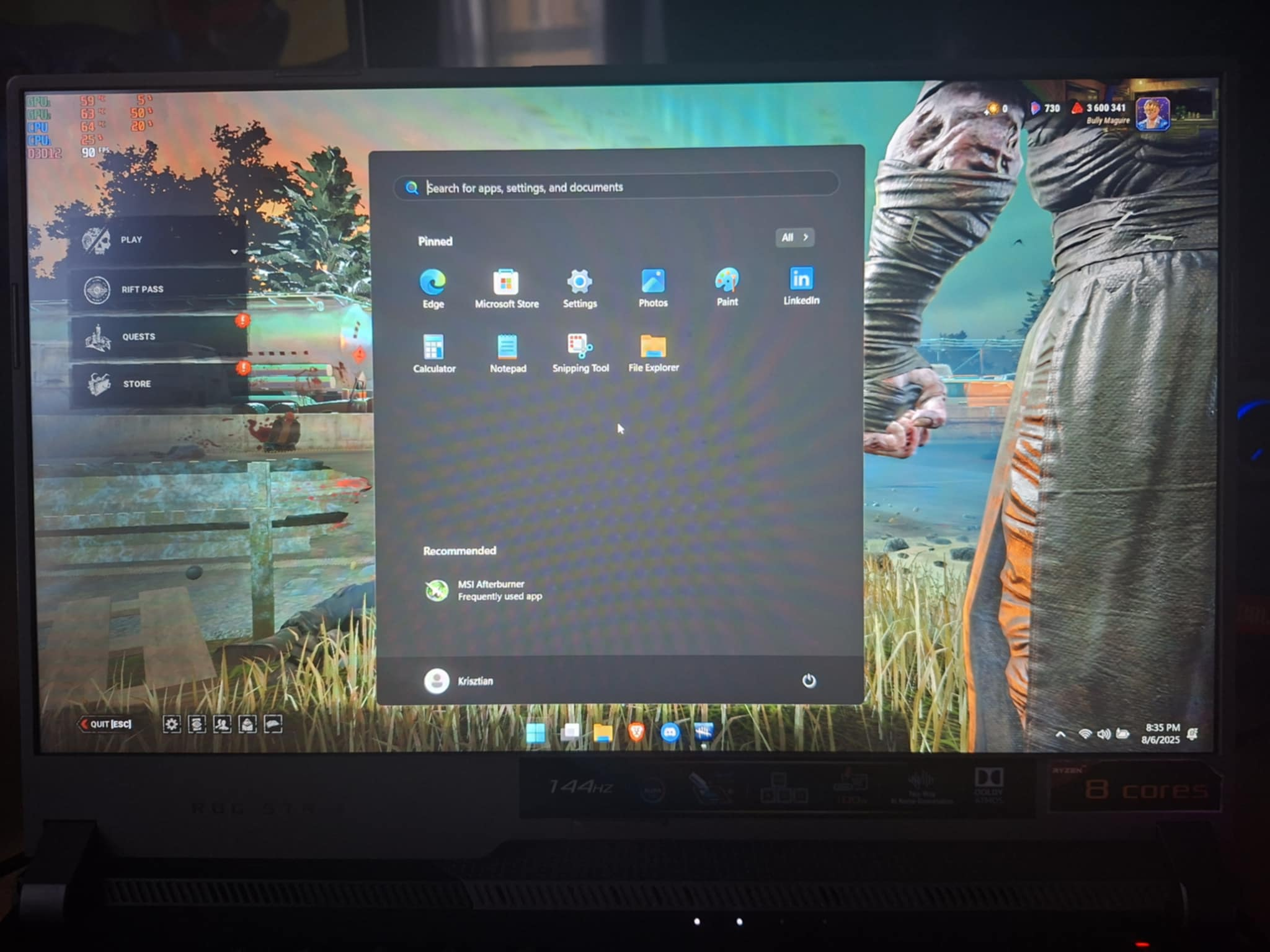
See i even made photos, it's crazy 6 minutes have passed, and the fps dropped to half, if I leave it there another 5 minutes it goes down even more
0 -
YOOOOOOOOO, we all just need to wait after developers fix this or not, idk but hope they see this and fix
0 -
Hello guys, today I think I solved my issue. When I reinstalled Windows, I installed the NVIDIA app, which automatically installed the latest drivers version 580.88. Someone on Reddit suggested trying an older driver version, so I installed version 576.88. I tested Dead by Daylight and now I get 90 FPS even after 10 minutes. Before reinstalling Windows, I was using an older NVIDIA driver because I was too lazy to update it. So yeah, that was the issue i think.
0