Once you have signed in, on the right hand side you can use the "report bug" button to be able to fully report the bug you've encountered. Thank you.
http://dbd.game/killswitch
I cannot change cosmetics unless in the store

SUMMARY OF THE ISSUE: I can not access my cosmetics and change them unless I am in the store, once I have loaded into a lobby I have no more access to my paid cosmetics.
PLATFORM: PC - Steam
STEP BY STEP INSTRUCTIONS ON HOW THE ISSUE OCCURED: A couple updates ago I lost access to changing my cosmetics unless I was in the store.
VIDEO: Here I have two screenshots, one showing my in-lobby-view the other showing in-store:


As seen in the above screenshots, I can only access the prestige Leon S Kennedy skin, as well as my christmas sweater, but all other skins I paid for are missing unless I am in the store.
THIS BUG IS FOR ALL MY SURVIVORS AND NOT EXCLUSIVE TO LEON!
PLAYER LOGS:

Let me know if the logs have been added correctly
Comments
-
Press Win+R
- Type in appdata
- Press OK
- In opened window navigate to: \Local\DeadByDaylight\Saved\Logs
- Usually you would need to attach the DeadByDaylight.log file.
- Add the file to your bug report
-1 -
Press the button next to the search bar in the customization section that looks like a tag. There only thing checked should be "owned" uncheck everything else. This should let you see all your skins again.
0 -
Thank you that's really helped! Just to check is it safe to share it, is there any private information I am meant to remove from it beforehand? Thanks!
-1 -
It's encrypted and can be uploaded safely!
-1 -
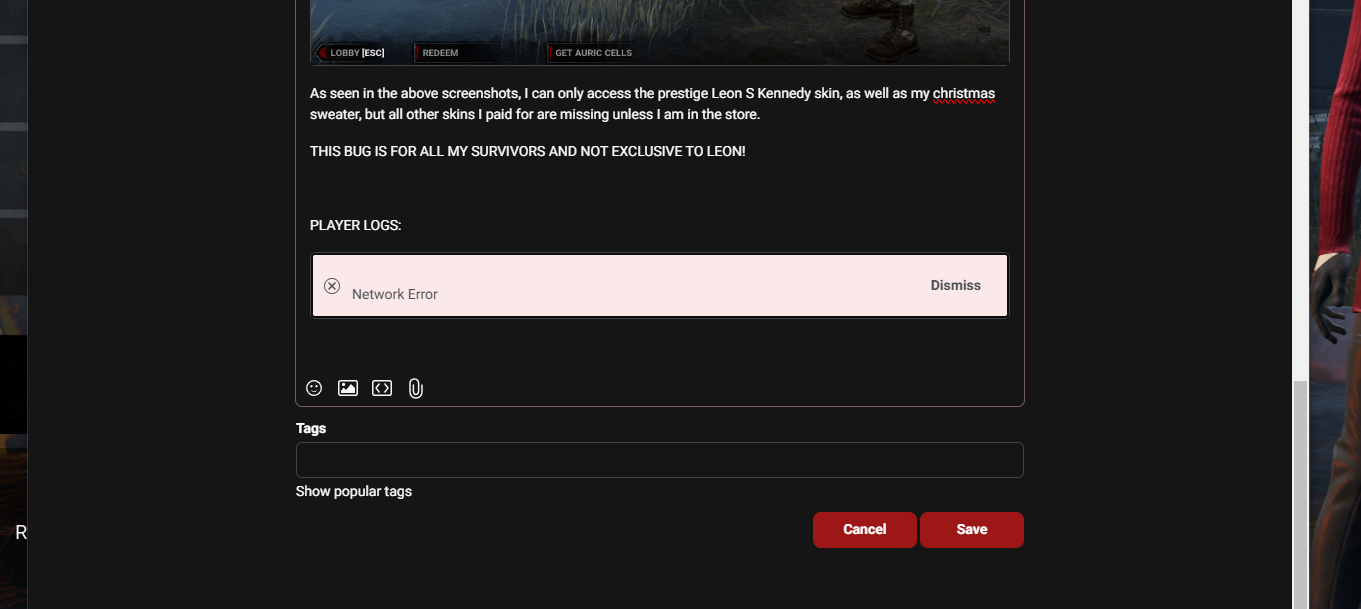
I've tried uploading it as an edit on my post as well as a reply comment but I get 'network error' each time, even though my network is completely fine
Is there any other way to send the logs?
Sorry for the hassle!
-1 -
Your forum account is not verified, most likely, via your email address.
-1