Once you have signed in, on the right hand side you can use the "report bug" button to be able to fully report the bug you've encountered. Thank you.
Use of Unreal Engine's Nanite causes jarring visual changes to mesh quality and foliage

SUMMARY OF THE ISSUE:
One of the recent updates enabled Unreal Engine's Nanite on everything. But this results in very jarring visual changes to mesh quality and foliage even close-by. I can walk next to a bush and it changes its appearance completely. In some cases I would say they even impact gameplay because the simplified meshes obscure less than the correct ones.
PLATFORM: PC
STEP BY STEP INSTRUCTIONS ON HOW THE ISSUE OCCURED: Just walk around and watch item textures and meshes change.
IMAGES:


Two very different bushes.


Visual change that makes survivors easier to see.


Nanite also consumes CPU, so players with a weaker CPU might see reduced FPS (assuming their GPU would otherwise not be bottlenecking). So ideally this should be a toggle or a slider. This can also be a cause for lag spikes when complex meshes are loaded back in or simplified.
Comments
-
there is a tile on the swamp where a crate is invisible until you get closer to it. obviously it is really bad if you think you can run through that spot, look behind you and don’t notice the box appear.
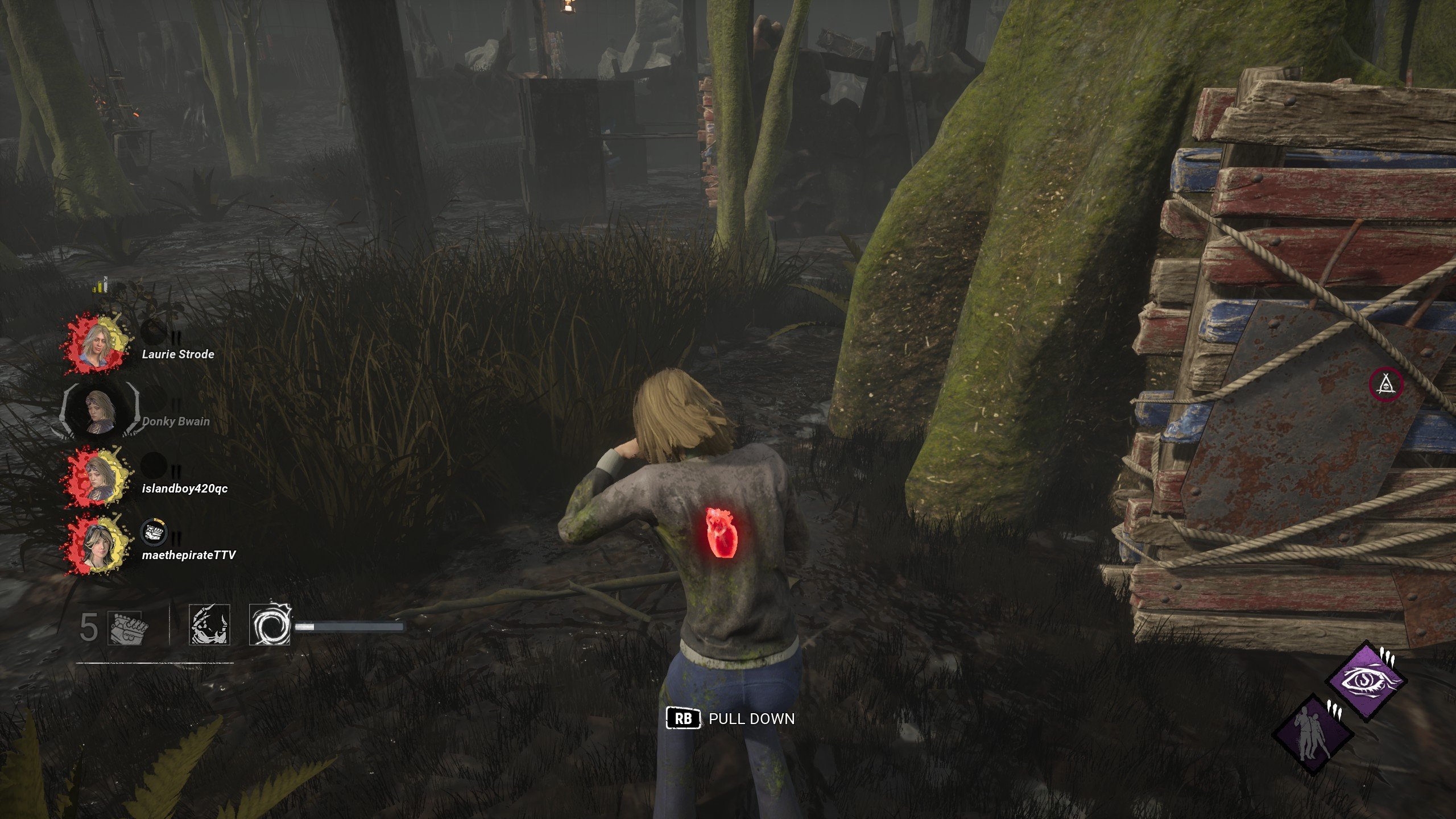
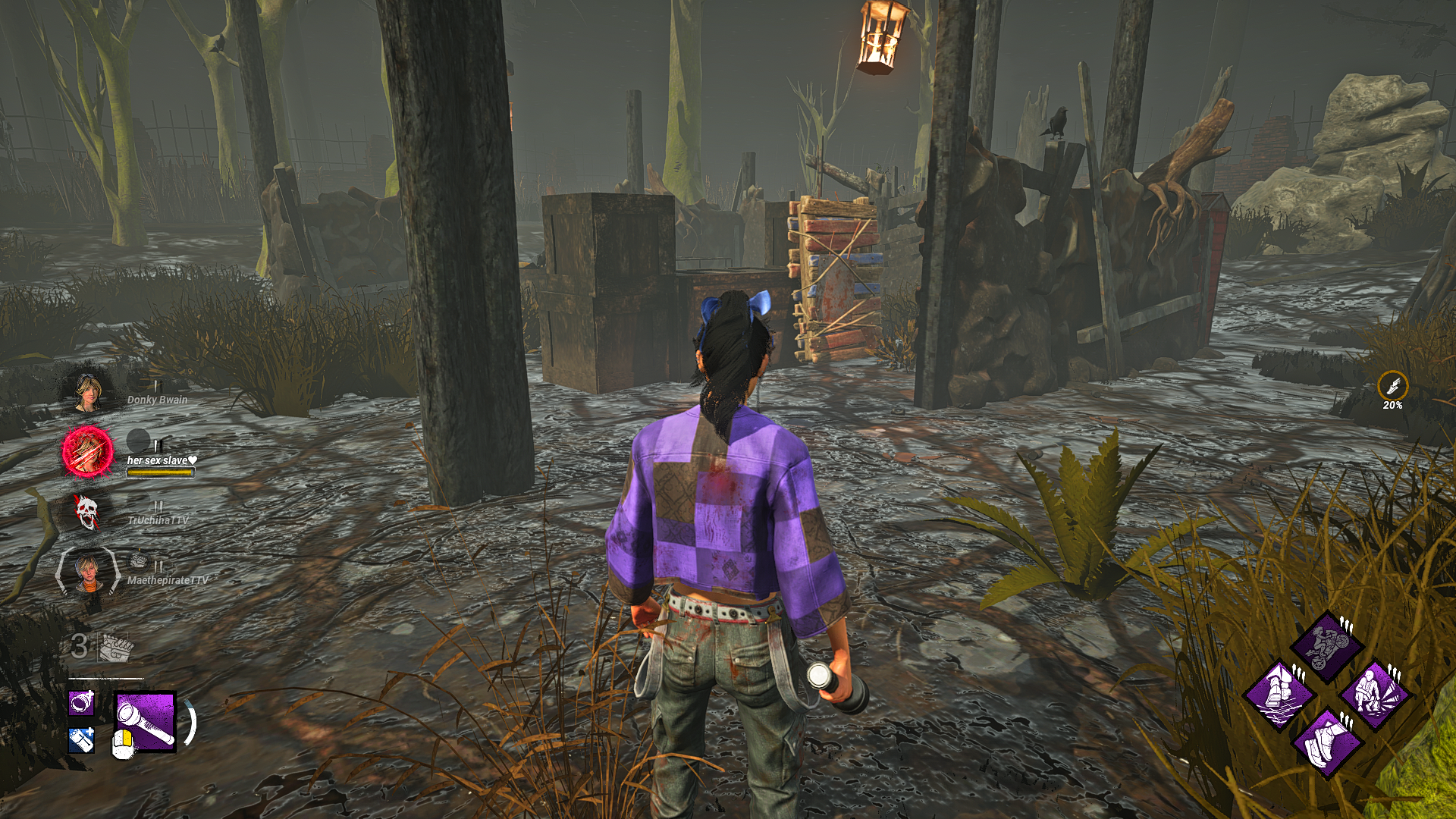
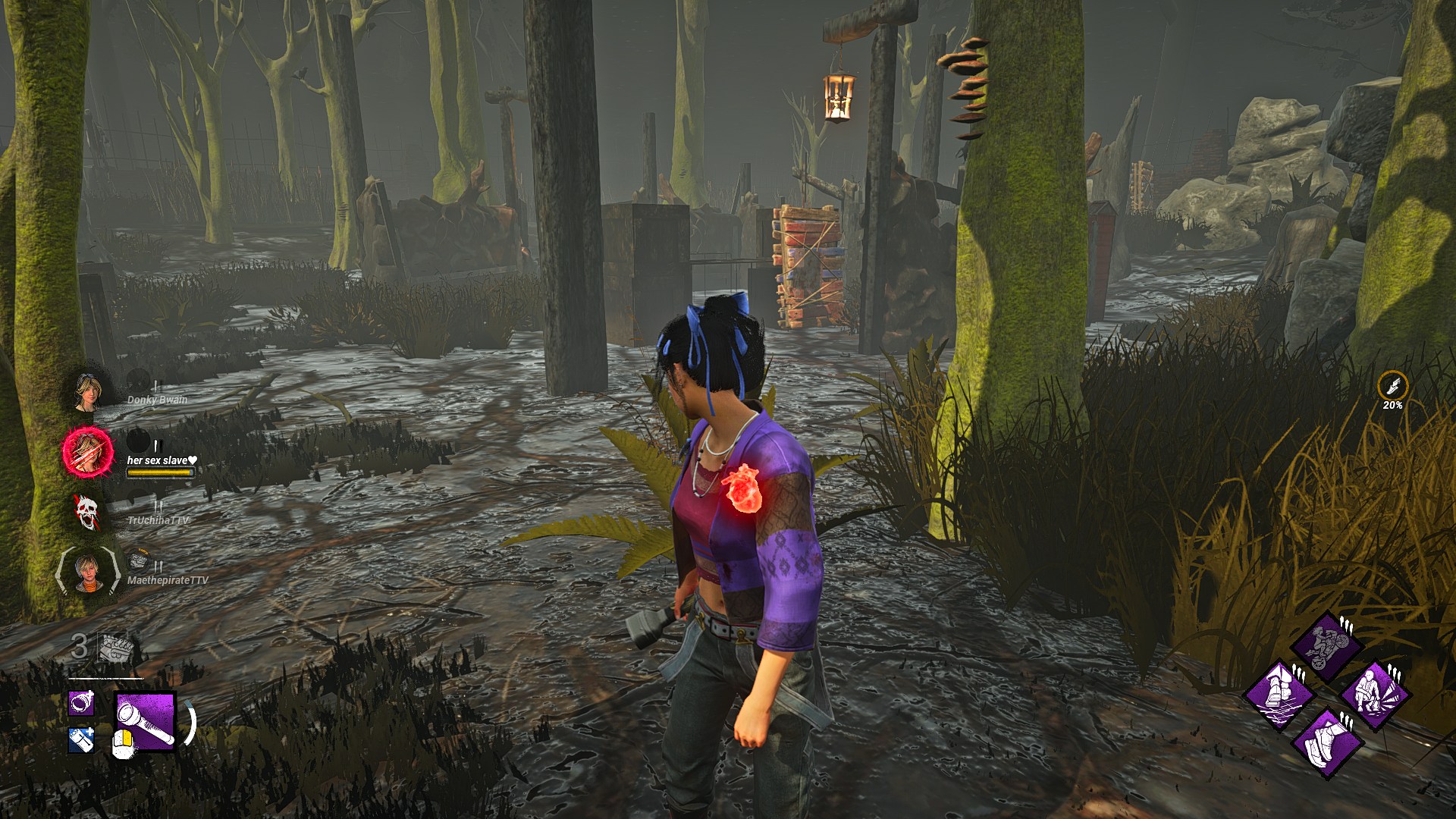
This needs to be addressed. Meshes shouldn’t just change like that in a game like dead by daylight. They should be static and visible throughout the entire match.
2 -
I couldn't determine if that was because of Nanite or some misbehaving occlusion culling. It could be a combination of both to be honest. There are so many things that are modified based on viewing distance right now that it's crazy.
I'm fairly sure it's also part of the reason everything has become so dull, murky and grey.
* Far-away meshes and textures are simplified/blurred and the result is usually very murky.
* Shadows are also simplified or removed based on distance, further reducing contrast (and a lot of things lack good baked-in shadows/lights that could help avoid that, if you look at the screenshot with logs).
* A lot of the light sources, including the global illumination are a bit mismatched. Some are fake/legacy (from older engine versions probably). BHVR likely has tried fixing this with tonemapping, but you can't save lack of lighting and shadows with that.
* Add auto-exposure to the mix, which adjusts for nearby and properly rendered/colored things, tries to make things a bit brighter which then further worsens the far-away landscape.
Murky + gray + no contrast + sprinkle of extra gray = current visuals.2



